One app on every screen
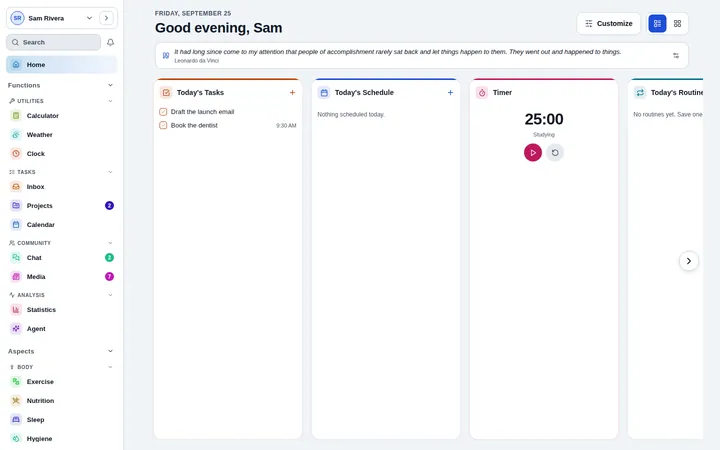
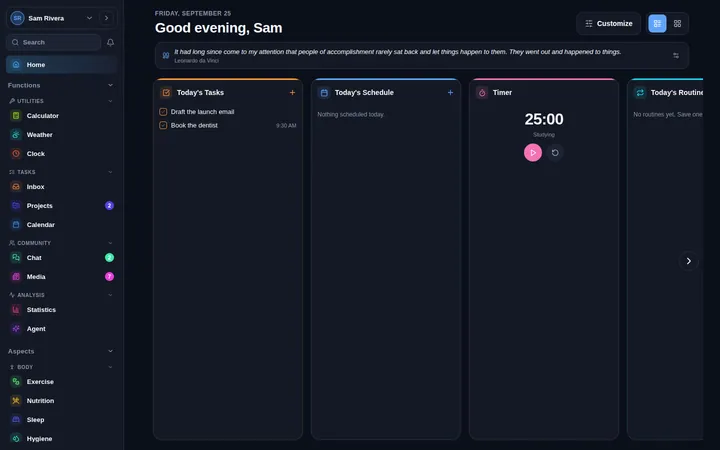
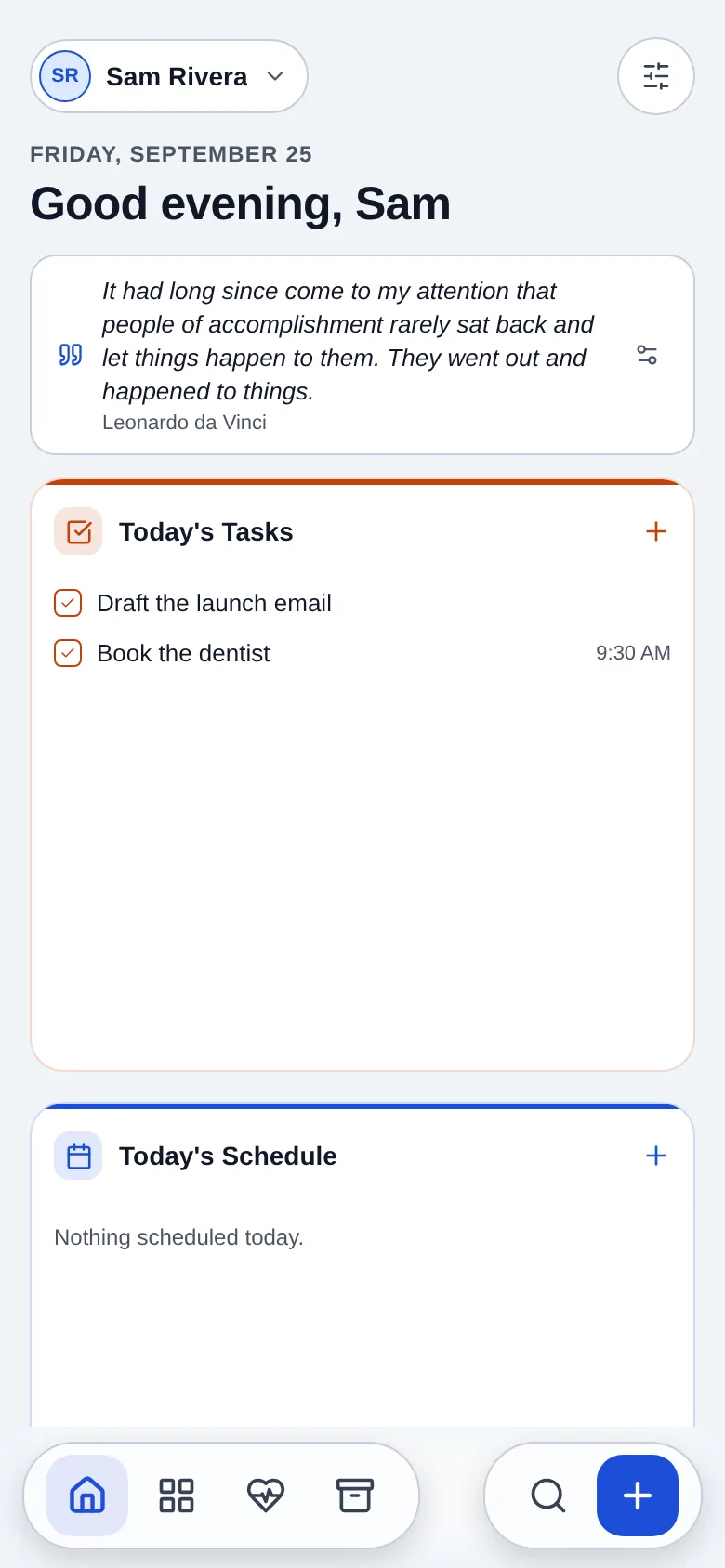
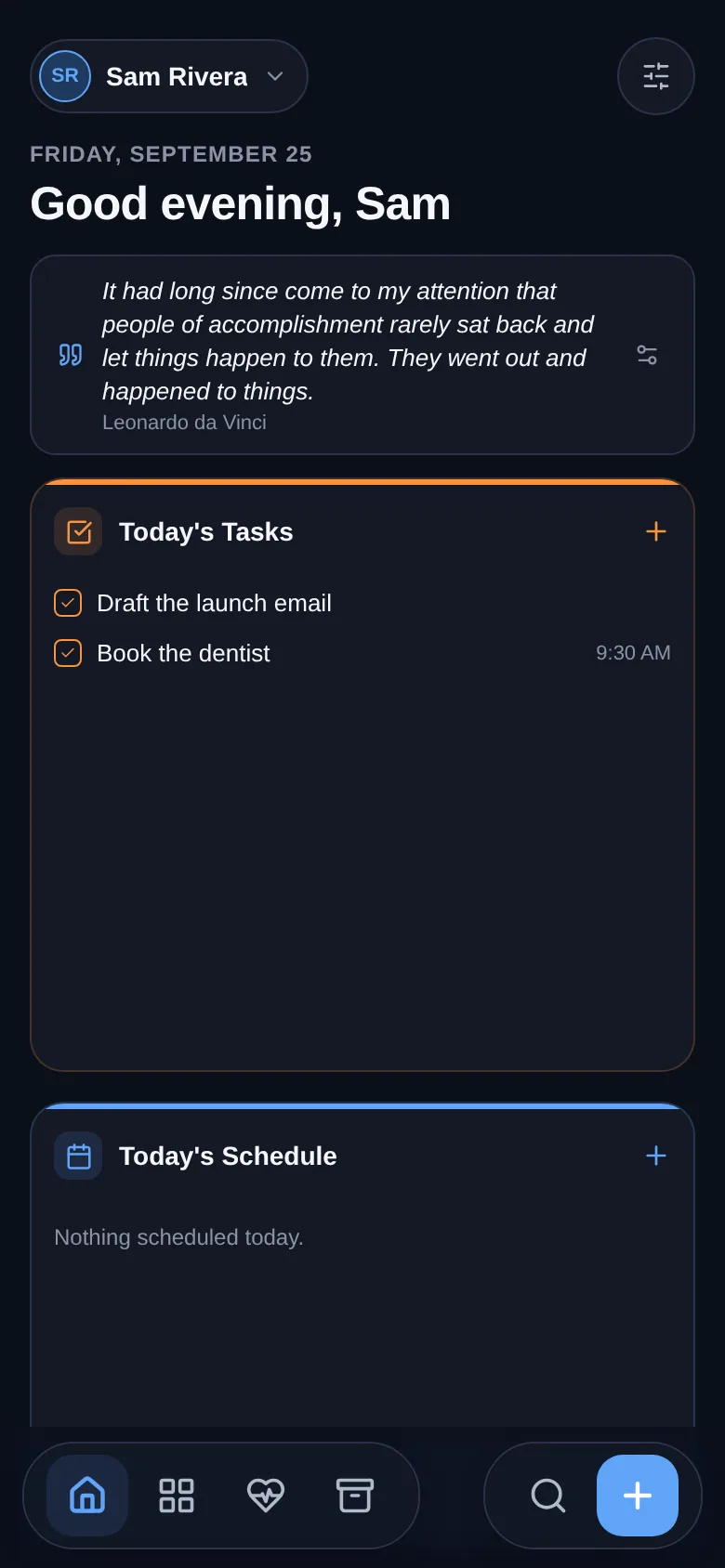
Install LyfeConnex from your browser in a few seconds. It gets its own icon and window, opens without a connection and updates itself, with one account on every device.
Free during early access. No store, no card.
Pick your device
The install page recognises your browser and shows the one button, or the two taps, it takes.
- Your device
Windows
In Chrome or Edge, select Install in the address bar, or use the button on the install page.
Available nowInstall - Your device
Mac
In Safari on macOS Sonoma or later, choose File, then Add to Dock. In Chrome or Edge, select Install in the address bar.
Available nowInstall - Your device
Linux and ChromeOS
In Chrome or Edge, select Install in the address bar, or use the button on the install page.
Available nowInstall - Your device
iPhone and iPad
In Safari, tap Share, then Add to Home Screen. The app opens full screen from its icon.
Available nowInstall - Your device
Android
In Chrome or Samsung Internet, tap Install. The app sits in your app drawer like any other.
Available nowInstall - Your device
Any browser
Rather not install? Use LyfeConnex in any current browser, with the same account and the same data.
Available nowOpen the app
What an app gives you, with nothing to download
Opens offline
The app and your recent data stay on the device, and anything you change offline syncs when you are back.
Updates itself
A new version arrives the next time the app opens. There is nothing to download or approve.
Its own icon and window
It lives in your dock, taskbar or home screen and opens full screen, without the browser around it.
Shortcuts on the icon
On Android and computers, long-press or right-click the icon for Quick add, Inbox, Calendar and Projects.
One account everywhere
Sign in on each device and everything stays in sync between them.
No store account
Install straight from the browser, with no store sign-in and no card.
Store apps are coming
iPhone and Android apps
They use the same account and add home-screen widgets and system notifications. Until they reach the App Store and Google Play, the installed app works on every phone today.
Desktop app
A desktop app with system notifications and links that open straight in the app is being built. The installed app already has a window and an icon of its own.
What you need
- A current version of Chrome, Edge, Safari, Firefox, Samsung Internet or Opera
- To install: Chrome, Edge, Samsung Internet or Opera, or Safari on iPhone, iPad and Mac
- Firefox on Android installs from its menu; on computers, Firefox runs the app in a tab
- A free LyfeConnex account, made in a minute
Installing questions
How do I install the app?
Open app.lyfeconnex.com/install. In Chrome, Edge, Samsung Internet and Opera there is one Install button. On iPhone and iPad tap Share, then Add to Home Screen. In Safari on a Mac choose File, then Add to Dock.
I do not see an Install button.
Some browsers do not install web apps, and links opened inside other apps cannot install anything. Open app.lyfeconnex.com/install in Chrome, Edge or Safari; the page shows the steps for your browser.
Can I install it in Firefox?
Firefox on a computer does not install web apps. Use it in a pinned tab, or open the install page in Chrome, Edge or Safari. Firefox on Android can install it from its menu.
How do I update the app?
You do not need to. The installed web app picks up new versions by itself the next time it opens.
Does it work offline?
Yes. The installed app opens without a connection, your recent data is kept on the device, and anything you change offline syncs when you are back.
Is there an iPhone or Android app?
The phone apps are in testing and on the way to the App Store and Google Play. Until then, install the web app on your phone: it opens full screen, works offline and uses the same account.
Start today. It is free.
No card and no trial clock. Everything is free while the app is in early access.